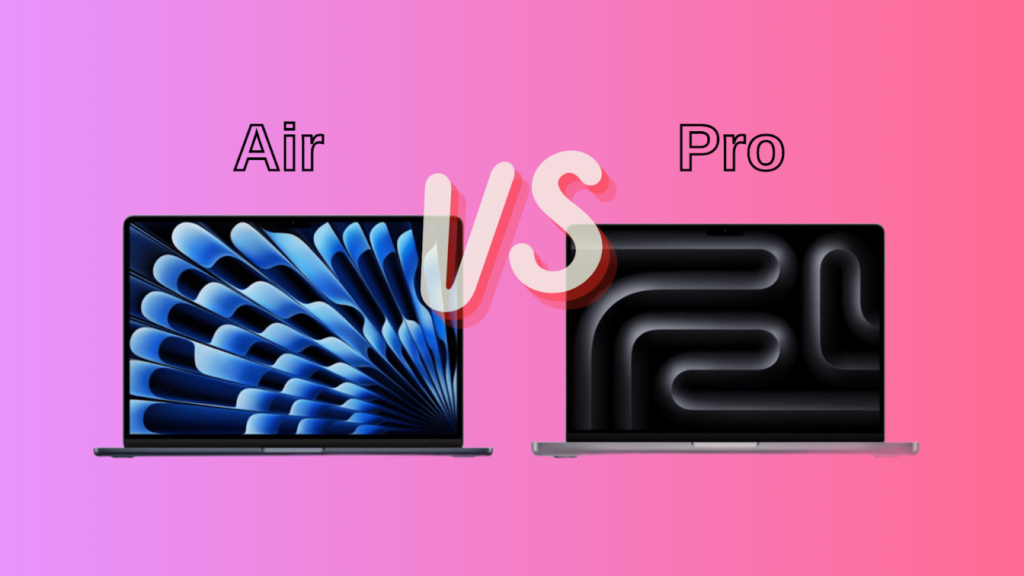

Buy the MacBook Air if you want a light, silent laptop for school, office work, browsing, writing, and light creative jobs. Buy the MacBook Pro if you edit video, build large software projects, or run heavy apps for long stretches, or if you simply want a far better screen and more ports.
For most people, the Air is the right pick. It costs less, weighs less, and its M5 chip handles everyday work with ease. The Pro earns its higher price only when you will use what the extra money buys: a fan that keeps speed steady, a brighter 120Hz screen, more ports, and chip options the Air does not offer.
Prices in this guide are US list prices as of October 2026, after Apple raised Mac prices on June 25, 2026.
What is the difference between a MacBook Air and a MacBook Pro?
The biggest difference is cooling. The Air has no fan, so it is completely silent, but it can slow down during long, heavy work. The Pro has a fan, so it holds its speed. After that come the screen, the ports, the battery, and the chip choices. Here is how the current models line up.
| MacBook Air | MacBook Pro | |
| Sizes | 13.6-inch and 15.3-inch | 14.2-inch and 16.2-inch |
| Chip | M5 | M5, M5 Pro, or M5 Max |
| Cooling | Fanless | Fan |
| Screen | Liquid Retina, 500 nits, 60Hz | Liquid Retina XDR, up to 1,000 nits (1,600 for HDR), up to 120Hz |
| Ports | 2 Thunderbolt 4, MagSafe | 3 Thunderbolt, HDMI, SD card slot, MagSafe |
| Battery (video) | Up to 18 hours | Up to 24 hours |
| Top memory | 32GB | 128GB |
| Starting price | $1,299 (13-inch) | $1,999 (14-inch) |
Which one is faster?
It depends on how long the work lasts. The base 14-inch Pro and the Air both use the M5 chip, and for short tasks they feel almost the same. Web browsing, documents, video calls, photo edits, and code builds that finish in a minute or two run fast on both.
The gap shows up in long jobs. A fanless laptop has to shed heat through its body. When you export a long video, render a 3D scene, or play a demanding game, the Air eventually lowers its speed to stay cool. The Pro’s fan lets it keep going at full speed.
The Pro also reaches much higher than the Air. The M5 Pro and M5 Max have up to 18 CPU cores, graphics chips with up to 20 and 40 cores, and memory of up to 64GB and 128GB. The Air tops out at a 10-core CPU and 32GB of memory. If your work needs that muscle, only the Pro can supply it. Every M5-family chip also puts a Neural Accelerator in each graphics core, which speeds up on-device AI work such as running language models locally. Full chip details are on the page for the M5 Pro and M5 Max MacBook Pro.
Which has the better screen?
The Pro, and by a wide margin. Its Liquid Retina XDR screen reaches up to 1,000 nits (a measure of brightness) for everyday content and 1,600 nits for HDR video. It also refreshes up to 120 times a second, which makes scrolling and animation look smoother. A nano-texture option adds a matte finish that cuts glare in bright rooms.
The Air’s Liquid Retina screen tops out at 500 nits, runs at 60Hz, and does not show true HDR. It is still sharp, and it covers the wide P3 color range, so photos look rich. For writing, browsing, and spreadsheets, you will not feel short-changed.
If you edit HDR video, grade color, or often work near a window, the Pro screen is a real upgrade and not just a line on a spec sheet.
Which one is quieter?
The Air makes no noise at all, because it has no fan. Under a long, heavy load its aluminum body can get warm, and that is when it slows itself down to stay safe.
The Pro’s fan stays quiet for light tasks and only spins up when the chip works hard for a while. That trade is the whole point: a little fan noise buys steady speed. If you work in a library, a bedroom, or a recording space and never push the chip, the Air’s silence is a real perk. If you do push it, a fan you can hear beats a laptop that quietly slows down.
Which one has the better battery life?
The Pro lasts longer on paper. It is rated for up to 24 hours of video playback, while the Air is rated for up to 18. A few Pro setups are rated a little lower than 24.
Battery size explains most of the gap. The 14-inch Pro holds 72.4Wh, while the 13-inch Air holds 53.8Wh. The Pro also charges fast: up to 50 percent in 30 minutes with a 96W or stronger USB-C power adapter. On the M5 Pro and M5 Max models, performance stays the same on battery as it does plugged in.
Eighteen hours is still a full workday for most people. Keep in mind that the ratings come from video playback, so heavy work drains either laptop faster.
How do size, weight, and ports compare?
The 13-inch Air is the smallest and lightest MacBook, at about 2.7 pounds. The 15-inch Air weighs about 3.3 pounds. The 14-inch Pro weighs roughly 3.5 pounds, and the 16-inch Pro weighs 4.7. That makes the 13-inch Air about three-quarters of a pound lighter than the 14-inch Pro, a gap you will notice in a bag all day.
The 15-inch Air is worth a look if you want a big screen without Pro weight. It gives you more display than the 14-inch Pro and weighs a little less, though the Pro’s screen is far better.
The MacBook Air with M5 has two Thunderbolt 4 ports, MagSafe charging, and support for up to two external displays. That is enough for a monitor and a drive. The Pro adds a third Thunderbolt port (Thunderbolt 5 on the M5 Pro and M5 Max), an HDMI port that supports up to 8K, and an SD card slot. Photographers and video editors who import from cameras will use that card slot all the time. The M5 Max can drive up to four external displays.
How much memory and storage do you get?
The Air starts with 16GB of memory and 512GB of storage, and you can raise that to 32GB and 4TB. The 14-inch Pro with the M5 chip starts with 16GB and 1TB. The M5 Pro starts at 24GB of memory and 1TB, and the M5 Max starts at 36GB and 2TB. The M5 Pro goes up to 64GB, and the M5 Max goes up to 128GB with 8TB of storage.
Memory and storage are built in, so you cannot add more later. For most people, 16GB of memory and 512GB of storage is a safe start. If you edit video, work with large photo libraries, or run virtual machines, aim for 24GB to 32GB of memory and 1TB or more of storage.
How much do they cost?
Apple raised Mac prices on June 25, 2026, because memory and storage chips cost far more than before. The 13-inch Air went up $200 and now starts at $1,299. The 15-inch Air starts at $1,499. The 14-inch Pro with the M5 chip rose $300 and starts at $1,999.
Higher up, the 14-inch Pro with the M5 Pro starts at $2,499, the 16-inch Pro with the M5 Pro starts at $2,999, and the M5 Max models start at $4,099 for the 14-inch size.
The $700 gap between the base Air and the base Pro is not all for the screen and fan. The Pro also starts with 1TB of storage, double the Air’s 512GB.
Who should buy the Air, and who should buy the Pro?
Choose the Air if you are a student, an office or remote worker, a writer, or a frequent traveler. It also suits web developers, people who edit photos, and anyone who cuts short videos now and then. You get a quiet laptop with a full day of battery that is easy to carry.
Choose the Pro if you edit 4K video most days, build large codebases, run virtual machines or containers, render 3D scenes, or produce music with many plug-ins and audio gear. Choose it too if you run large AI models on your own machine, since only the M5 Max reaches 128GB of memory.
There is a middle path. The base 14-inch Pro with the M5 chip gives you the better screen, the fan, the card slot, and 1TB of storage at $1,999, without paying for the M5 Pro or M5 Max.
A simple rule: if your laptop works hard for more than a few minutes at a time, on most days, buy the Pro. If it mostly waits while you type and click, buy the Air.
Conclusion
Choose the MacBook Air for the best mix of price, weight, and silence. It is fast enough for most people. Choose the MacBook Pro if you push the chip hard for long stretches, want the brighter 120Hz screen, or need more ports and memory. If you want the Pro’s screen and ports without the heavy chips, the 14-inch Pro with the M5 sits in the middle. Pick for the work you do most days.
Frequently asked questions
Is the MacBook Air good enough for video editing?
Yes, for short projects, social clips, and 1080p work. The fanless Air can slow down during long exports or heavy 4K timelines. If you edit video most days, the Pro’s fan and extra graphics cores save real time.
Is the MacBook Pro worth the extra money?
Only if you use what it adds: steady speed on long jobs, the brighter 120Hz screen, more ports, and higher chip and memory options. For browsing, writing, and school work, the Air does the job for $700 less.
Which MacBook has the better battery life?
The Pro. It is rated for up to 24 hours of video playback, against up to 18 hours for the Air. Both ratings come from video playback, so heavy tasks use up either battery faster.
Is the MacBook Air good for programming?
Yes, for web development, scripting, and everyday coding. Builds that finish quickly run well on it. If you compile huge projects, run virtual machines, or keep many containers open, the Pro’s fan and extra memory help.
How much memory and storage should I buy?
Start with 16GB of memory and 512GB of storage. Creative work and heavy multitasking call for 24GB to 32GB of memory and 1TB or more of storage. You cannot upgrade either one after you buy.
Related Articles
What Gen Is My iPad? How to Find Your Model
How Long Does an iPad Last? 5 to 7 Years, Often More
Are Ragdoll Cats Hypoallergenic? The Truth for Allergy Sufferers
Do Maine Coon Cats Shed? What to Expect and How to Manage It



Pingback: HDMI ARC Meaning: What It Is and How It Works
Pingback: Split Screen iPad Pro 12.9: How to Use It Step by Step
Pingback: iPad Dimensions: Every Current Model Measured and Compared